App service only. You are purchasing access to the Supa Flix application — no content, channels or streams are included or provided. All images, titles and channels shown are for demonstration purposes only.
The new Supa Flix,
made for Android TV, Amazon Fire TV & Firesticks
Live TV, Movies and Series — beautifully redesigned, blazing fast, and built for the 10-foot experience. See the app in action and reserve your copy before launch.
Firestick OS 6 required
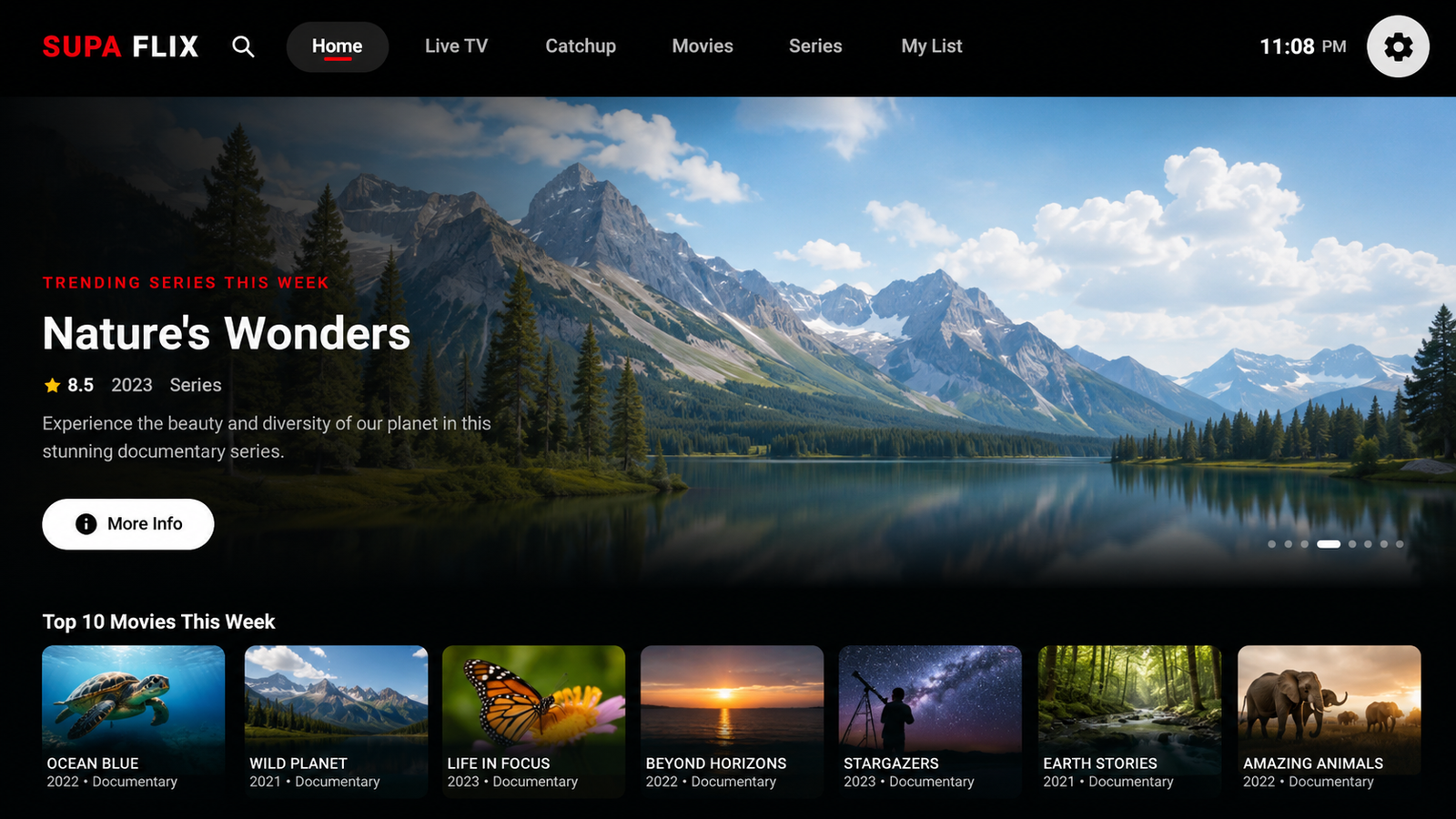
Movies
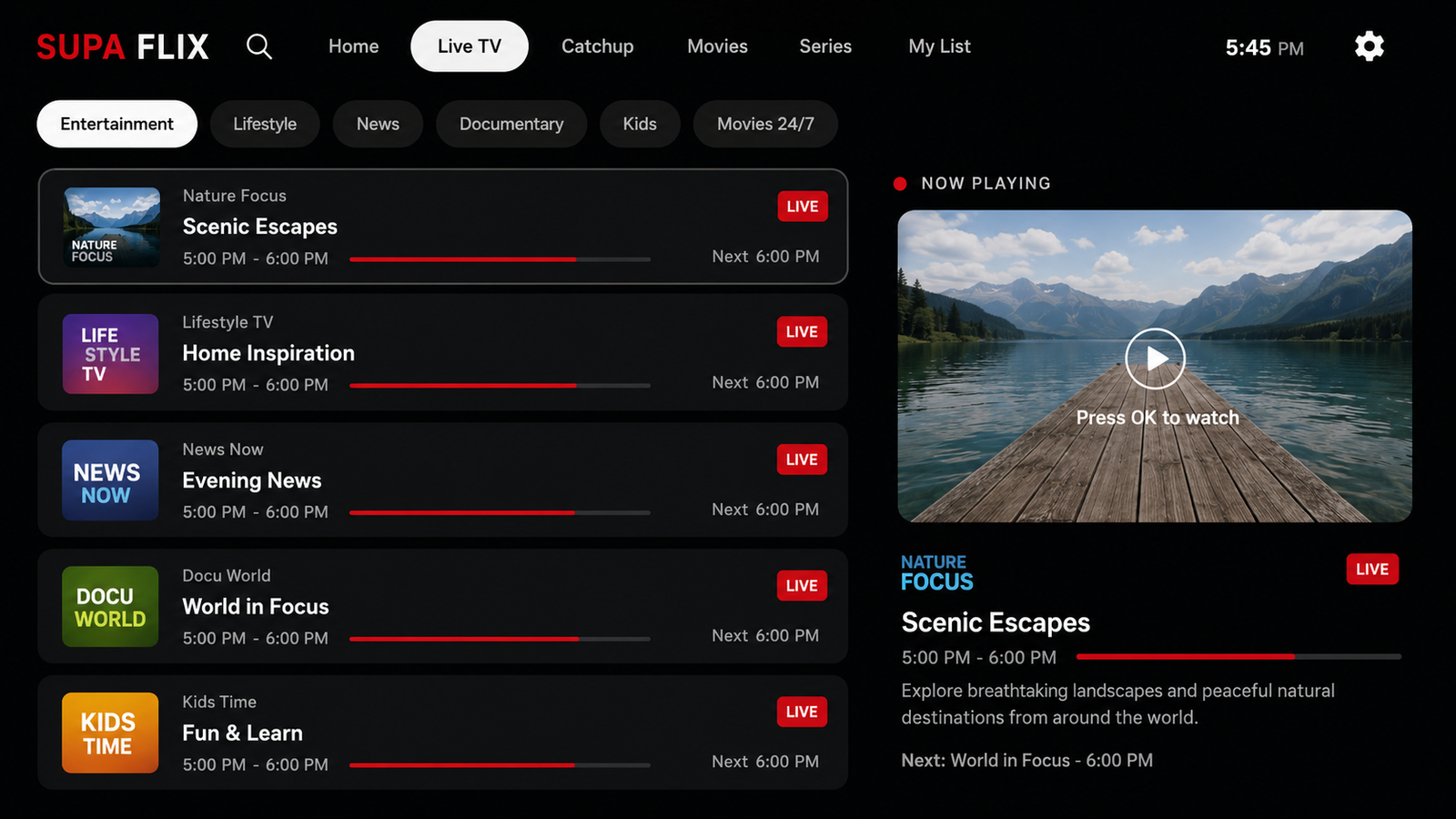
Live TV
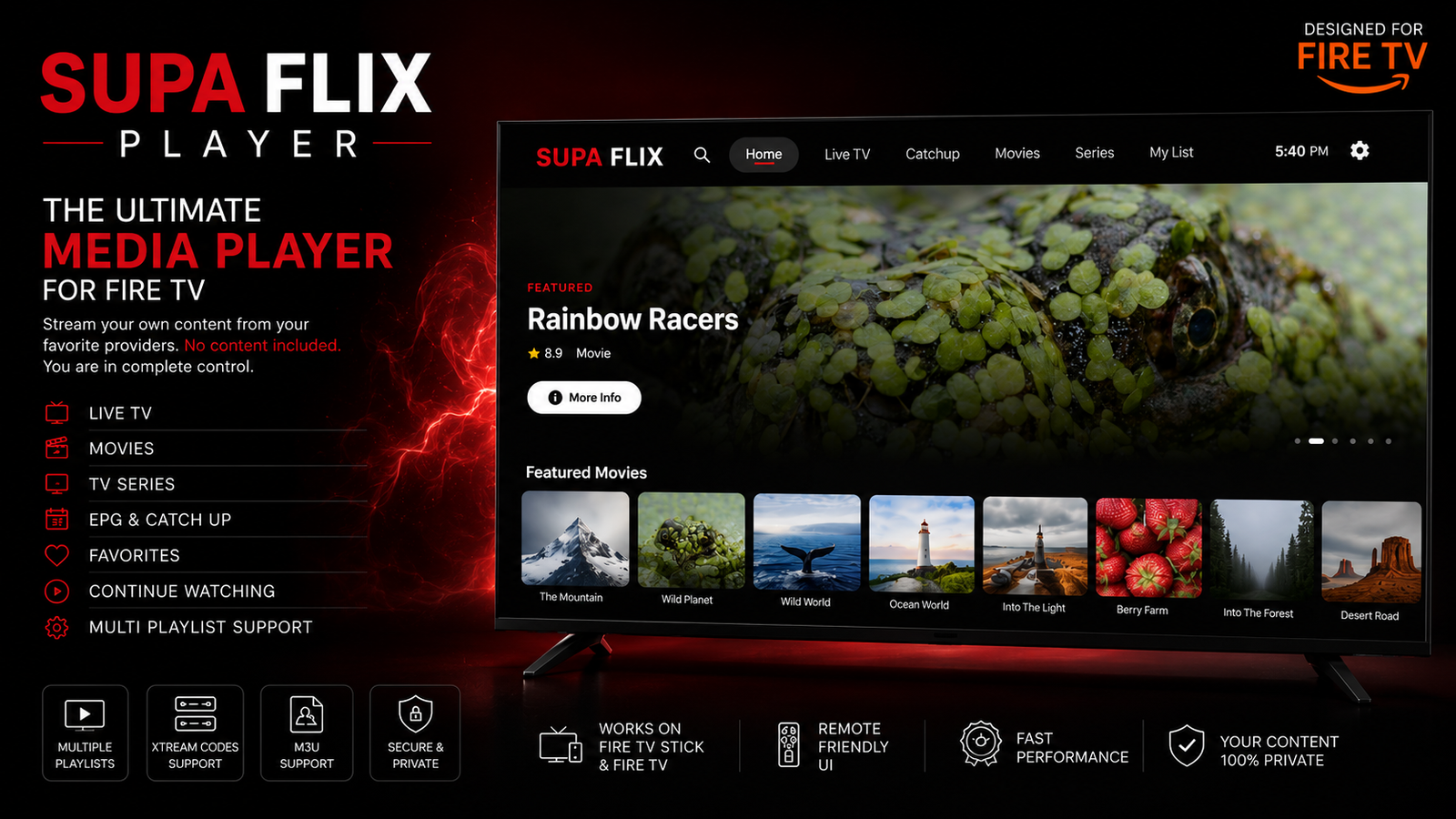
Designed for Android TV, Amazon Fire TV & Firesticks
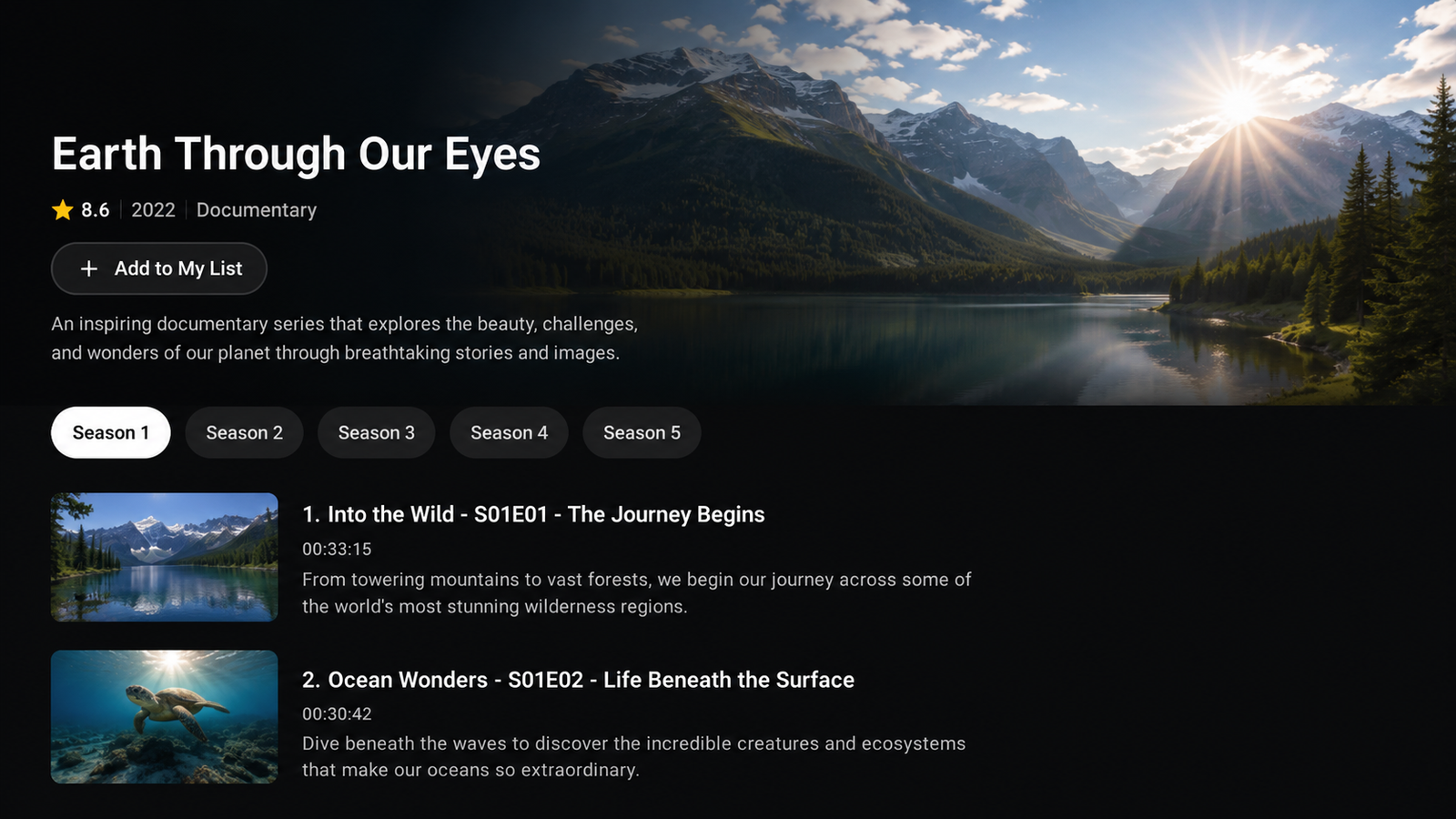
Series
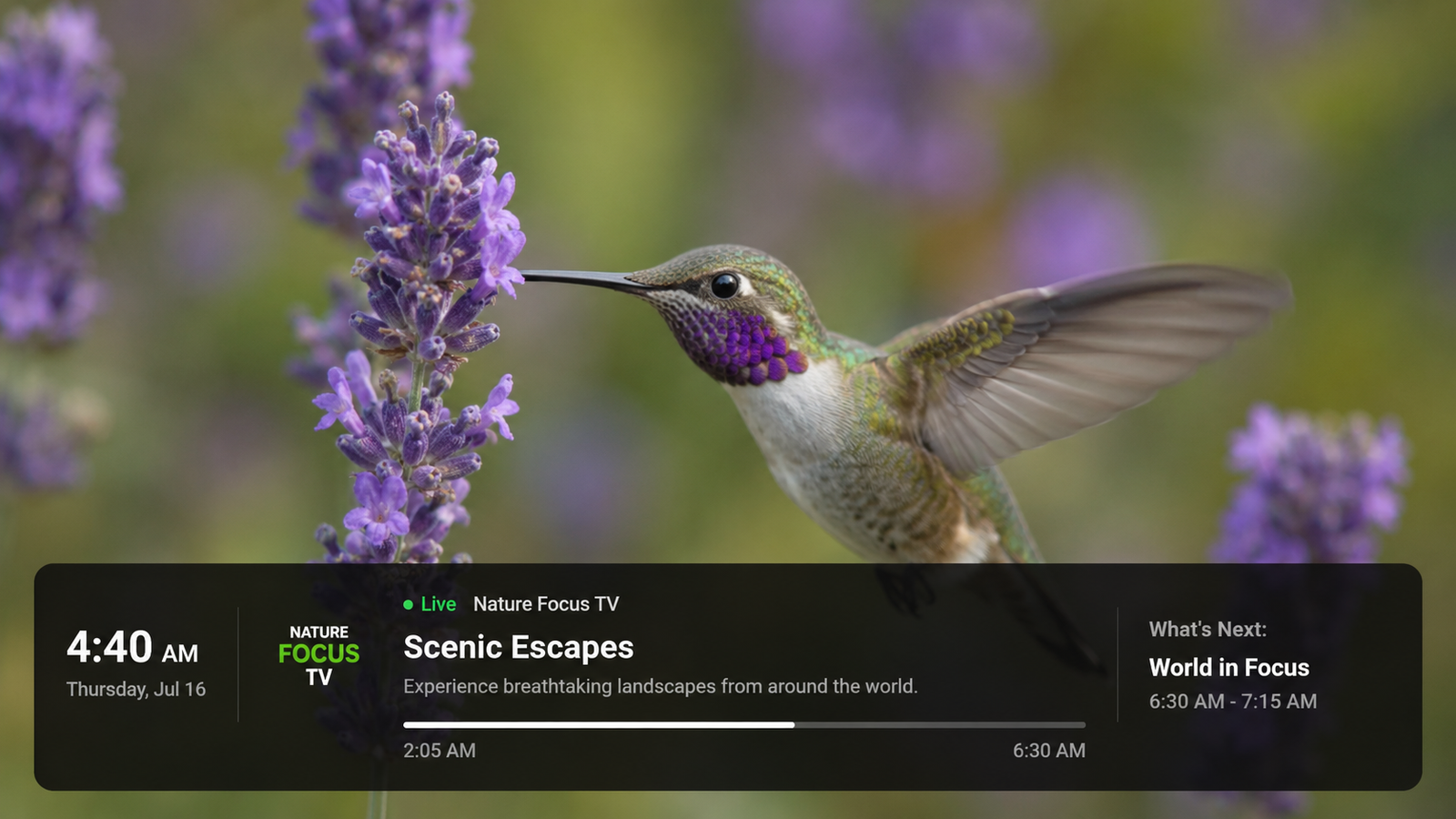
Detail View
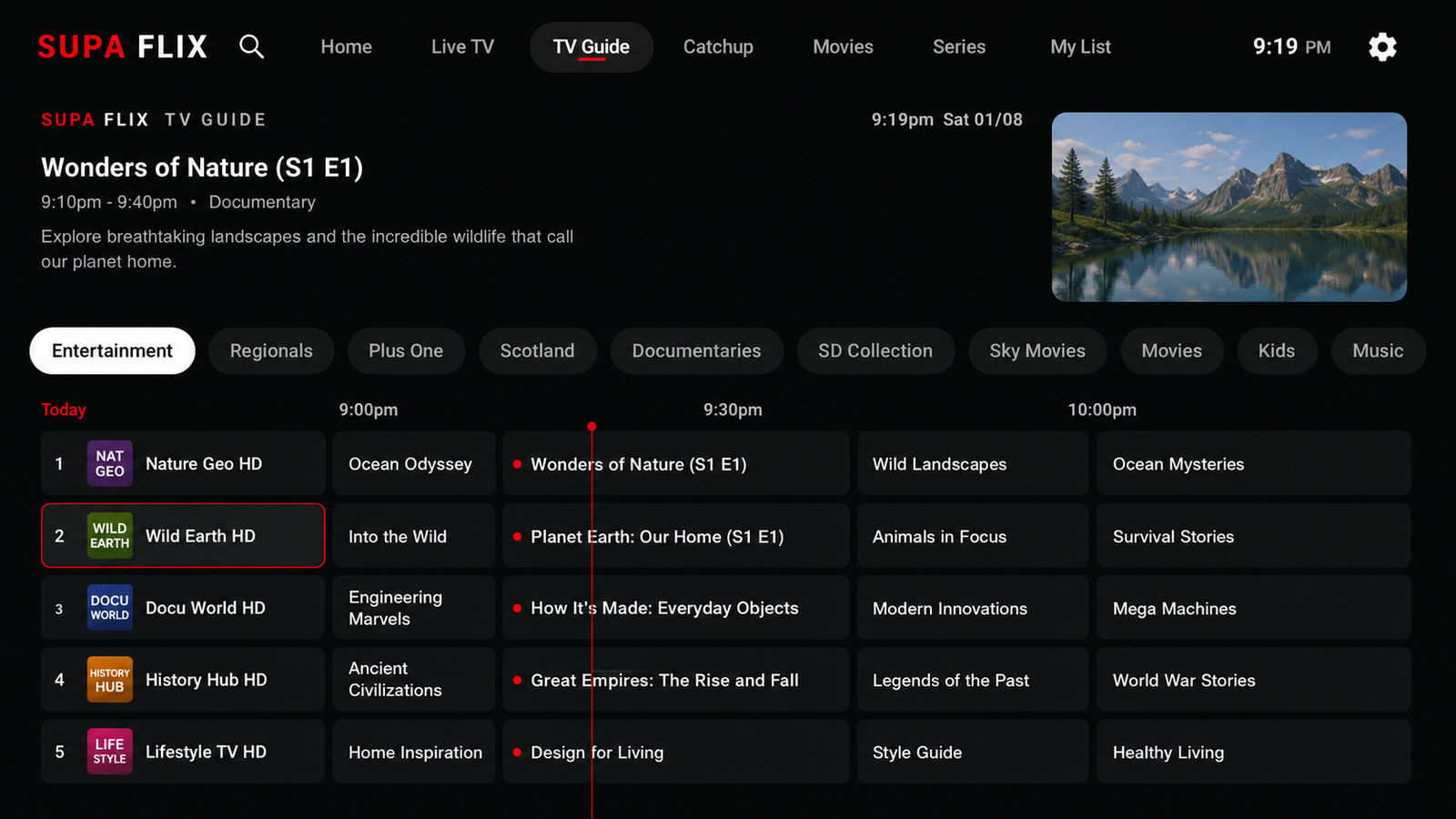
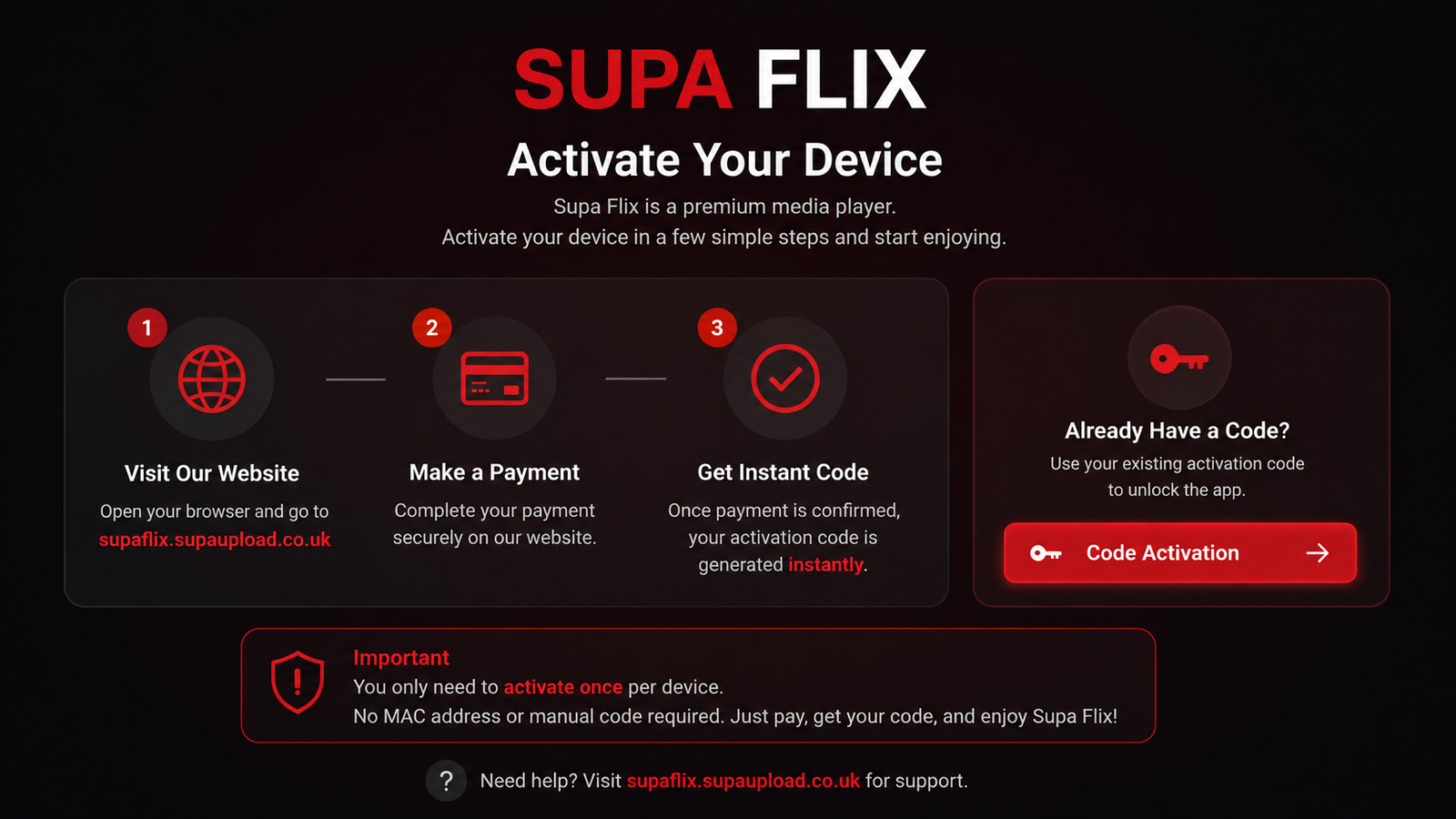
Built for Android TV & Fire TV
Everything you love, in one app.
Live TV
A fast live TV interface with schedules, now-playing previews and one-click tuning. Channels are not provided — everything you see comes from your own playlist.
Movies on Demand
Beautiful posters, artwork and instant playback for VOD. We supply no movies — the catalog is generated entirely from your own playlist.
Series & Seasons
Full season browsing, episode details and resume playback. No series or content is included — titles come only from your own playlist.
Supa Flix is a media player only. We do not provide, host or sell any channels, movies or series. All content shown in screenshots is for demonstration purposes and depends entirely on the playlist you add.
See it in action
Watch the app being used and reviewed by a customer
Please note none of the content is provided by us — we only provide the app. All content shown is for demonstration purposes only; no channels, movies or series are included.
Firestick OS 6 Required
Supa Flix is built for Android TV, Amazon Fire TV and Firestick devices running Firestick OS 6 or later. Older devices will not be supported at launch. Please confirm your device compatibility before pre-ordering.
How you sign in
Activate with a code.
Code Activation
Buy an activation code, open Supa Flix and choose Code Activation — enter the code and you're in. No setup screens, no manual details on the device.
One code, your devices
Each code covers the number of devices in your package. Switch or travel with your Firestick or Android TV device and simply activate again with the same code while connections are available.
Get the app
Download Supa Flix.
Install directly on your Android TV, Amazon Fire TV or Firestick using the APK link or the Downloader short code.
Direct APK download
Download the latest Supa Flix APK (v3.6) and side-load it onto your device.
Download APKDownloader short code
Open the Downloader app on your Firestick and enter this code:
7140846
Enter the code, press Go and follow the on-screen prompts to install Supa Flix.